A podcast episode into vertical clips
One long episode in, a handful of vertical subtitled clips out, exported in a single pass. This is the job Obiklip was built for.
| You need | An episode with picture - a video podcast, a recorded call, a talk. |
|---|---|
| It costs | No Obiklip processing charge. OpenAI bills your API account for transcription and clip analysis. |
| Time | Twenty minutes of your attention, whatever the length of the episode. |
1. Import and analyse
Open the episode, choose the spoken language, and press Analyze Video. A longer episode sends more audio to OpenAI and takes longer. Keep the tab open while it works.
2. Sort by score, then listen
Sort the clip list by score and start at the top. Play each one and ask a single question: would I send this to someone? Keep about eight candidates; send the rest to Trash so the list stops competing for your attention.
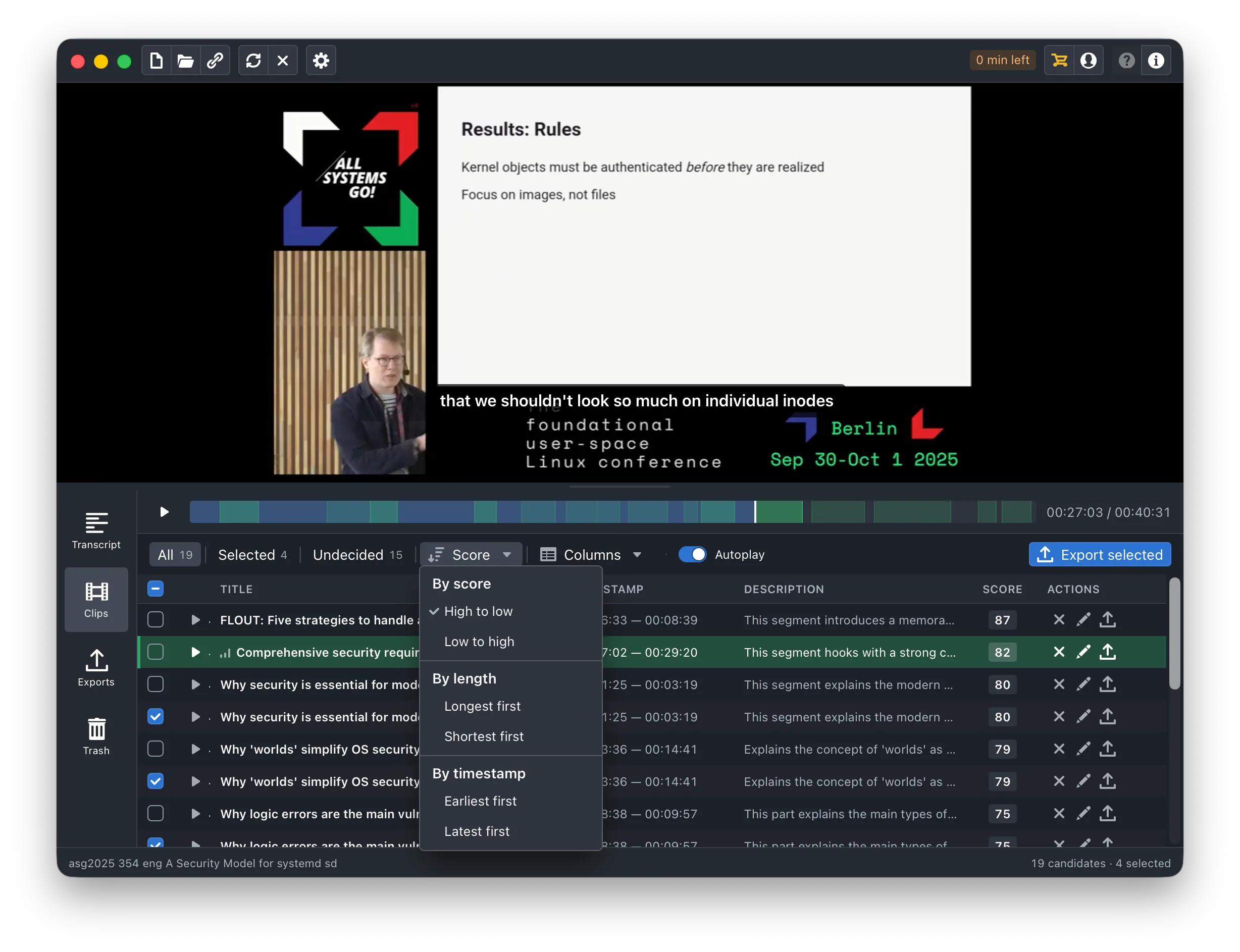
Trash is not final. A clip you threw away in a hurry can be brought back.
3. Cut the eight down to five
Now watch your eight properly, in order. Three of them will be duller than they looked. Trash those. Five is a week of posting, and five is enough.
4. Make each one vertical
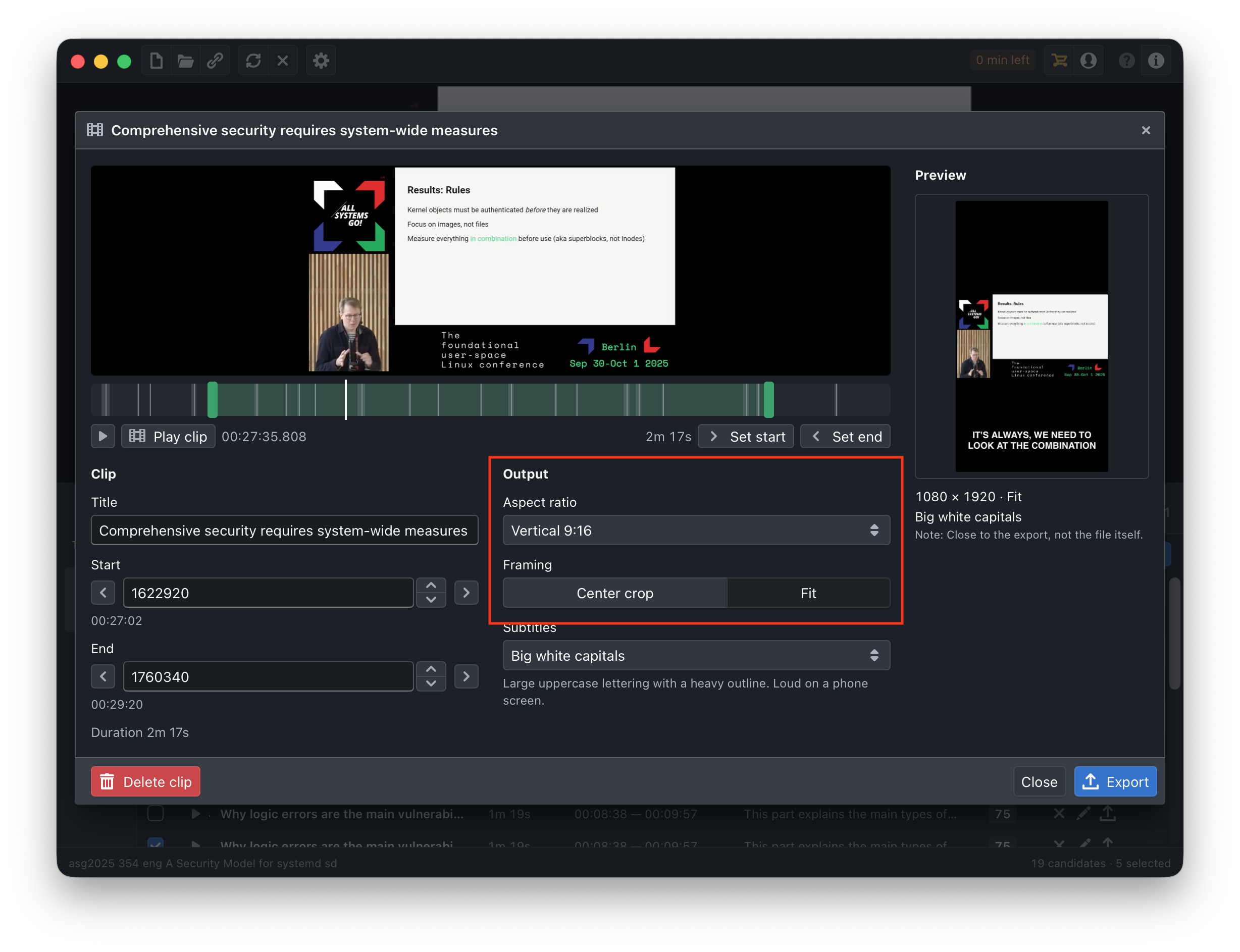
Open each surviving clip and set two things:
- Aspect ratio: Vertical 9:16. The output is 1080 × 1920.
- Framing: Crop when the speaker sits near the middle of the frame, which is most of the time. Switch to Fit if the crop cuts off a second person or something on screen that matters.
5. Give them subtitles that survive a phone
Big white capitals or Bold white text hold up on a small screen; Small white text disappears. Put them in the middle of the frame rather than the bottom, where a caption or a profile name usually sits.
While each clip is playing, read the subtitles rather than watching the video. Names and jargon are where a transcript slips. Fix any wrong word in the transcript panel - it carries into the export.
6. Trim the openings
A clip that starts on “so, um, the thing is” loses people in the first second. Drag each start forward to the first real word of the thought. This is the edit that makes the biggest difference for the least effort.
Struggling to land one? Fixing a cut that starts too early goes through it slowly.
7. Export the set
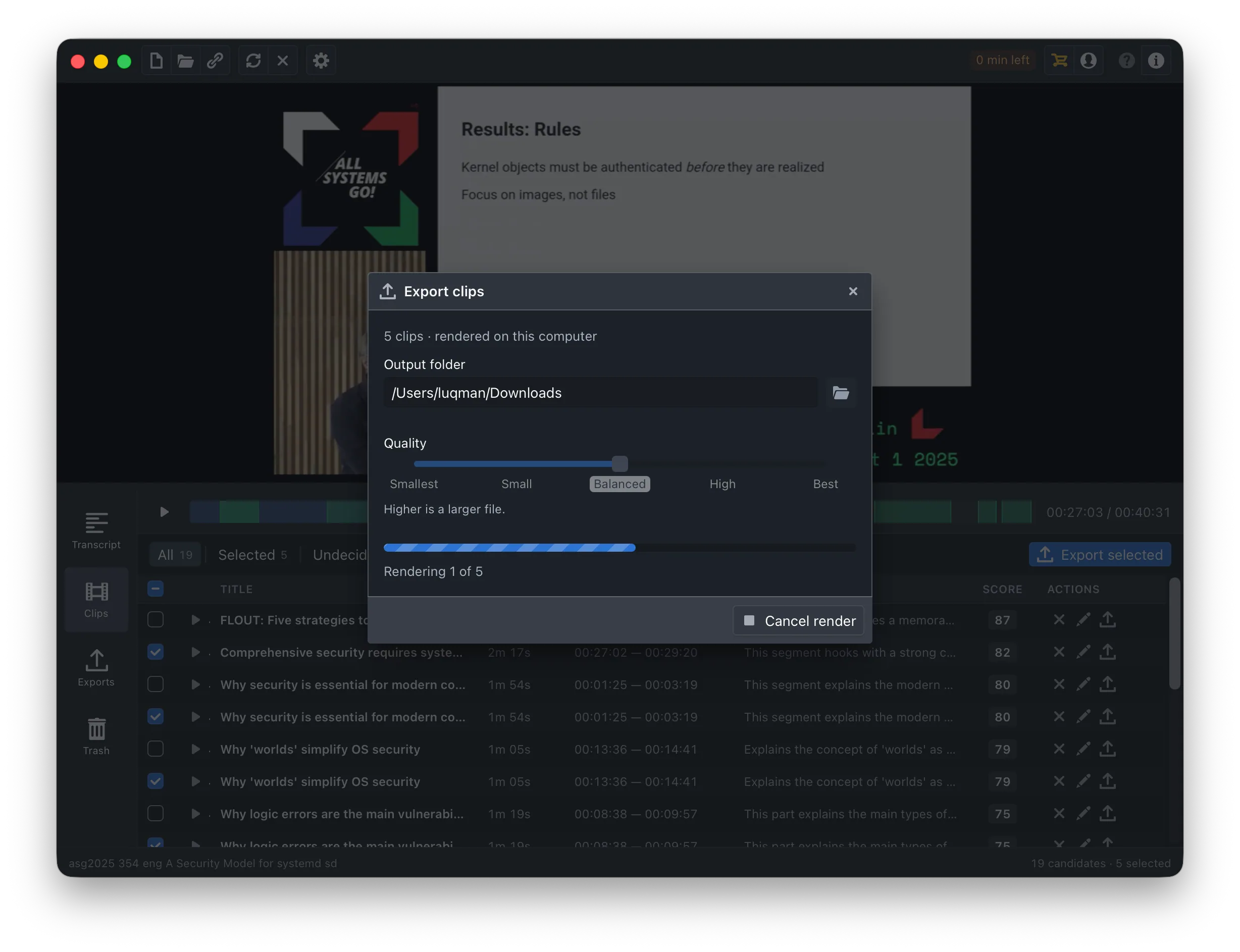
Tick all five, press Export selected, leave the format on MP4, and let it run. They render one after another and download as five MP4 files named after their titles.